WhatsApp Desktop
WhatsApp Desktop is the official WhatsApp app for Windows, letting you chat and call from your PC with the account on your phone.
339.2 MB

Telegram Desktop Portable is the no-install edition of the official Telegram app for Windows, running from a single folder or a USB drive.
Average 0.0 · ratings: 0
Thank you! Your rating is saved; you can change it. Could not save the rating. Please try again later. Too many ratings from your network today. Please try again tomorrow. The average appears after 5 ratings.
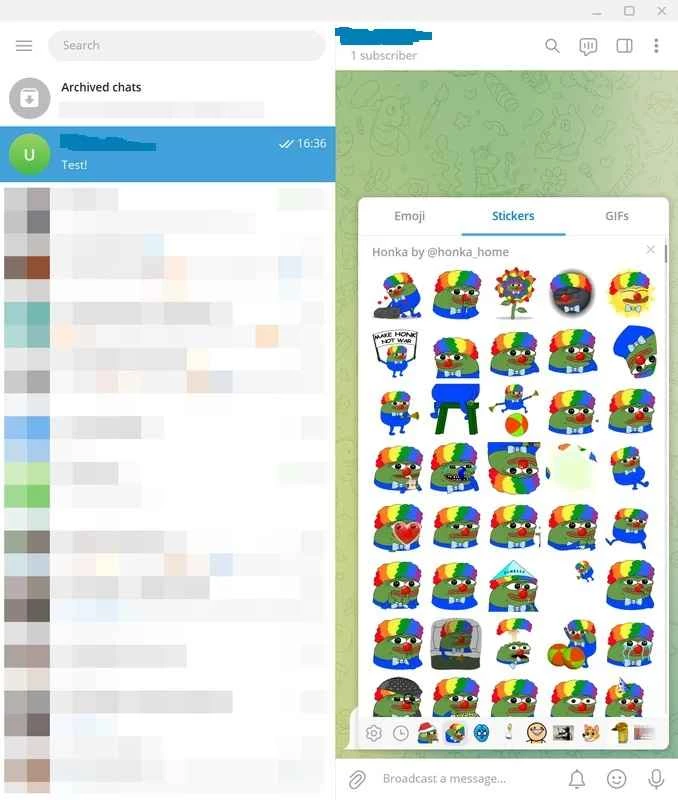
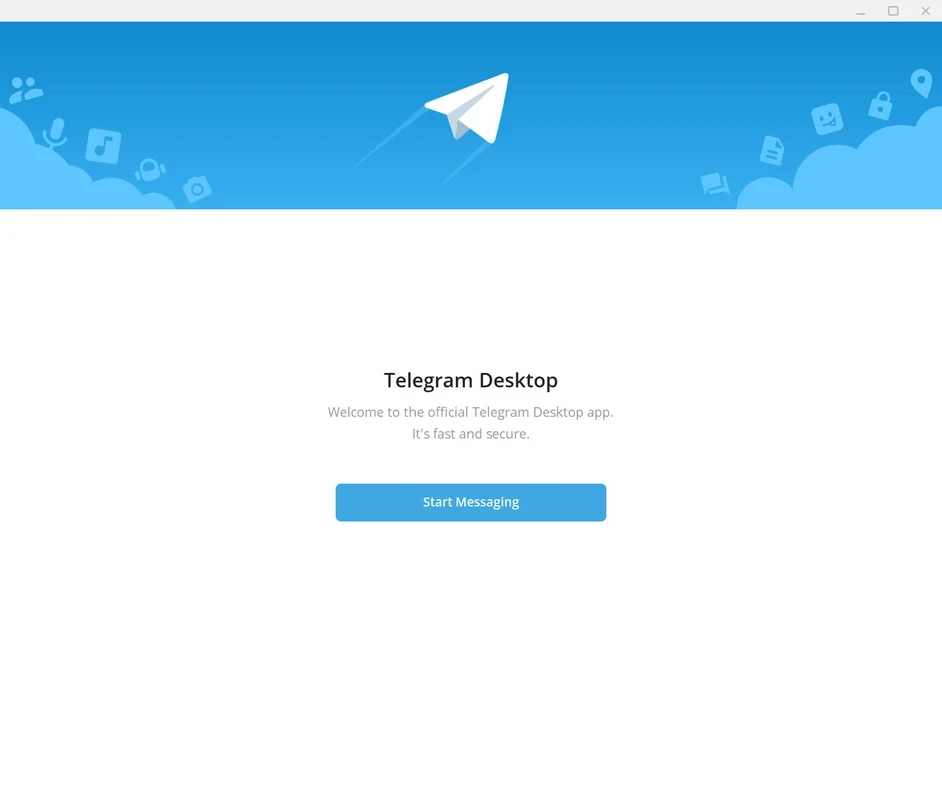
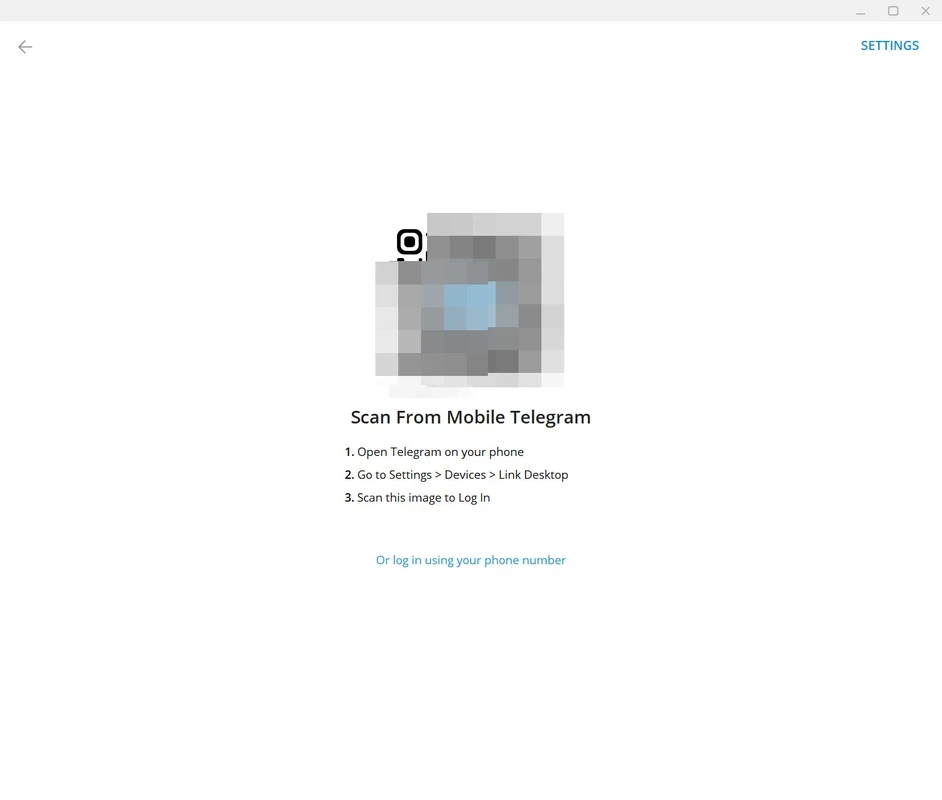
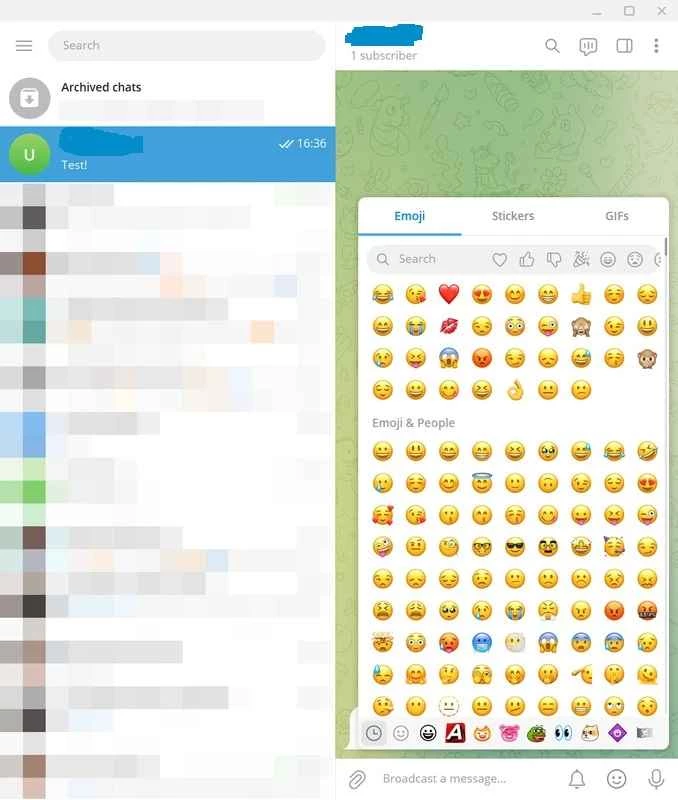
Telegram Desktop Portable 7.0.9.0 is the portable edition of the official Telegram app for Windows from Telegram. It runs from a folder without installation, so you can keep it on a USB drive or use it on a PC where you cannot install software. The messenger is free, and you can download Telegram Desktop Portable for Windows from desktop.telegram.org, where it is offered as a portable package alongside the installer.
Telegram is an instant messaging service created by Pavel and Nikolai Durov and launched on August 14, 2013. Its desktop client is open source under the GNU General Public License and syncs through Telegram's cloud, so chats, files and contacts appear on the PC exactly as on your phone. The portable edition is the same program in a different package: instead of writing to Program Files and the registry, it stores the app and its data in the folder you unpack it to. That suits several situations. You can carry your messenger on a USB stick between home and work, run it on a shared or locked-down office PC, or keep a second, separate Telegram account next to an installed one by using two folders. Updates still arrive through the app itself, and the latest builds move quickly: Wikidata lists 7.2.7 on September 7, 7.2.8 on September 10 and 7.2.9 on September 17, 2026. The version in our catalogue, 7.0.9.0, is therefore a little behind, and the app will offer to update itself after the first start.
What changed in each release is listed in the Telegram Desktop changelog, and the source code is on GitHub.
| Item | Details |
|---|---|
| Version in catalogue | 7.0.9.0 |
| Developer | Telegram LLC |
| First release of Telegram | August 14, 2013 |
| Licence | free; client code under GNU GPL |
| Size | about 66.56 MB according to catalogue data |
The installed Telegram Desktop and Telegram Web are the obvious alternatives. Other messengers with Windows apps in our listings include Signal, WhatsApp Desktop and Viber.
WhatsApp Desktop is the official WhatsApp app for Windows, letting you chat and call from your PC with the account on your phone.

Microsoft Teams is Microsoft's collaboration and video-conferencing app for chat, meetings, calls and shared files at work, school or home.

Zoom Meeting is the desktop client of Zoom's video-conferencing service for calls, webinars, screen sharing and chat on Windows.
Camo Studio is Reincubate's desktop app that turns an iPhone, iPad or Android phone into a high-quality webcam for a Windows PC or Mac.

Google Meet is Google's video meeting app. On Windows it runs from the browser and can be installed as an app, with no separate installer to download.

Facebook for Windows is the desktop app of Meta's social network, with the news feed, groups, pages and notifications in a separate window.

Telegram Desktop is the official Windows client of the Telegram messenger, with chats, groups, channels and file sharing synced from the cloud.

Telegram Web is the browser version of the Telegram messenger: open it on a Windows PC, log in with your phone and chat without installing anything.